How many tiles do you need for a floor or wall?
Measure each floor, wall, or backsplash surface and subtract true openings. Enter actual tile face dimensions, the planned grout joint width, pieces per carton, and an explicit allowance for cuts and breakage. This calculator returns an area-based tile equivalent and a whole-carton order. Boundary cuts and pattern changes can alter the exact number of physical tiles, so verify the plan before buying. A broad flooring calculator serves other floor products; this worksheet is for individual tiles and cartons.
What formula turns area into a tile and carton count?
For regularly spaced rectangular tiles, use the approximate installed module area: (tile width + grout joint) × (tile length + grout joint). Convert the module from square inches to square feet, divide net surface area by it, add your chosen cutting allowance, and round up to whole tiles. Divide that quantity by the product’s pieces per carton and round up again. This is an area approximation, not an exact row-by-row layout or cut optimizer.
Module (sq ft) = (tile width + joint) × (tile length + joint) ÷ 144
Full-tile equivalents = net surface (sq ft) ÷ module (sq ft)
Planned tiles = ceiling[equivalents × (1 + allowance ÷ 100)]
Cartons = ceiling(planned tiles ÷ pieces per carton)
How do you measure rooms, backsplashes, and openings?
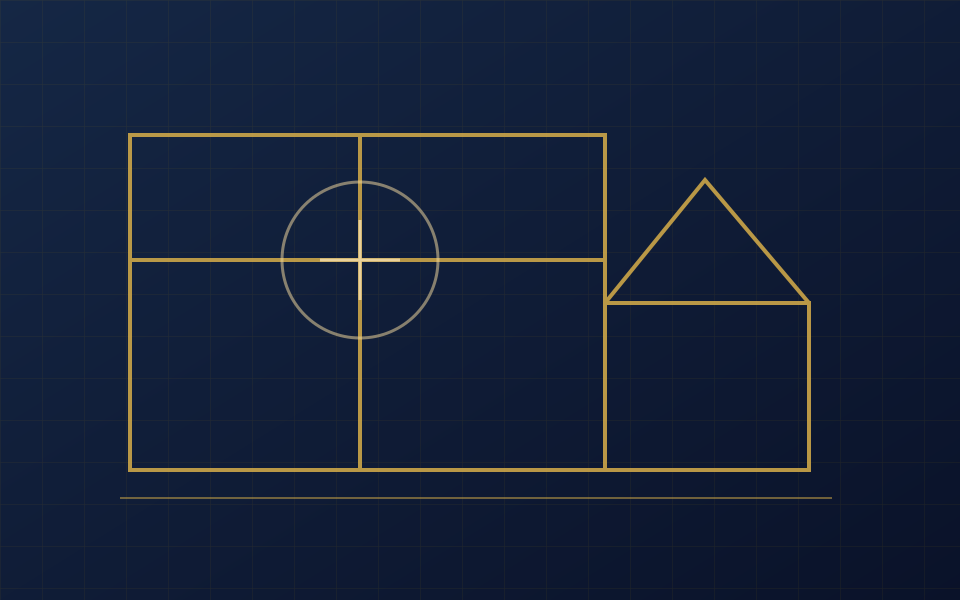
Add each area as a rectangle, circle, or known square footage. For a rectangular surface, multiply length by width or wall height; for a circle use π × (diameter ÷ 2)². Subtract a measured doorway, cabinet run, or other untiled opening only from its own surface. The repeat field helps with identical shower walls or rooms. Divide complex shapes into non-overlapping sections and keep separate tile products or colors in separate worksheets.
Does grout joint width change the tile count?
Yes, a larger uniform joint increases the space covered by each tile-and-joint module, so the theoretical tile equivalents decrease slightly. Use the tile manufacturer’s recommended joint for the actual product. Daltile product listings show that recommended widths differ by collection and size. A joint-width input does not calculate grout quantity; use a separate grout calculator with tile thickness and joint depth when it is available.
Should you enter nominal or actual tile dimensions?
Use actual face dimensions where provided, not just the marketing name printed on the box. A nominal 12 × 24 in product can have actual dimensions intended to work with a particular joint and pattern. If the manufacturer already gives installed square feet per carton, compare that printed coverage with this piece-based estimate; do not combine the box’s installed coverage and a second joint adjustment. Count from the carton’s actual piece quantity for this worksheet.
What does a two-room tile example look like?
Suppose a 10 ft × 10 ft floor has no openings and uses 12 × 12 in tiles with 1/8 in joints. The installed module is 12.125 × 12.125 ÷ 144 ≈ 1.0209 sq ft, giving about 97.95 full-tile equivalents. With a separately chosen 10% cutting allowance, round up to 108 tiles. At 12 pieces per carton, order 9 whole cartons. This is a numerical example; cuts at edges and the actual carton specification determine the purchase.
How much extra tile should you allow for cuts or pattern?
Enter an allowance appropriate to your actual layout, tile size, breakage risk, and spare-tile plan. The tool does not assign a universal percentage to straight, diagonal, running-bond, or herringbone patterns. American Olean pattern guidance illustrates that layout and grout framing vary across patterns. Narrow rooms and many corners can generate more unusable cuts than open rectangular floors. Keep the measured area and chosen allowance separate in the result.
How are pieces per carton and price calculated?
Enter the piece count printed on the selected product carton. The worksheet rounds the planned tiles up to a whole number of cartons of that product. The optional material cost multiplies whole cartons by your entered price per carton. It excludes grout, mortar, underlayment, edge trim, labor, tax, and delivery. Different colors, sizes, or dye lots should be estimated separately, then checked against local stock and the supplier’s carton coverage.
How do metric surface measurements work with inch tile sizes?
The measurement toggle converts entered surface lengths, known areas, and cutouts between feet and meters without changing the physical layout. Tile width, length, and grout joint stay in inches, matching the labels next to those inputs. The calculator converts surface square meters to square feet before dividing by the installed module. Use a consistent actual tile size and verify the manufacturer’s metric dimensions if the package lists millimeters.
| Measure | Equivalent |
|---|---|
| 1 ft | 0.3048 m |
| 1 sq ft | 0.09290304 m² |
| 1 sq ft | 144 sq in |
When is an area estimate insufficient for a tile order?
Area arithmetic cannot determine the exact cutting plan at every boundary, especially with offsets, feature bands, tiny niches, uneven walls, or a mixed-size modular pattern. Verify the manufacturer’s permitted layout, joint width, wet-area suitability, and carton label, then dry-lay or draw the pattern where cuts matter. For tile made in multiple face sizes, calculate each SKU separately instead of entering one average size. Keep spare pieces from the same lot if the project needs future repairs.